
Less scrolling. More living.
A little friend for life beyond your screen. Choose the apps that pull you in, put your phone down, and do something real. Your pet goes on an adventure too, and comes home with something to show for it.

How time away works
Choose the apps that pull you in
Apple’s Screen Time keeps them closed while you’re away. You pick them, and you can change them any time.
Do something real
A walk, a page, a tidy desk. Your pet starts the same thing and heads off down the path.
Come home together
Bond, coins and the odd discovery grow your pet’s world. Ending early is fine; nothing you earned is ever lost.
Quests put it on your calendar
A few short adventures across the day, each with a gentle reminder. Skip one and nothing is lost.
-
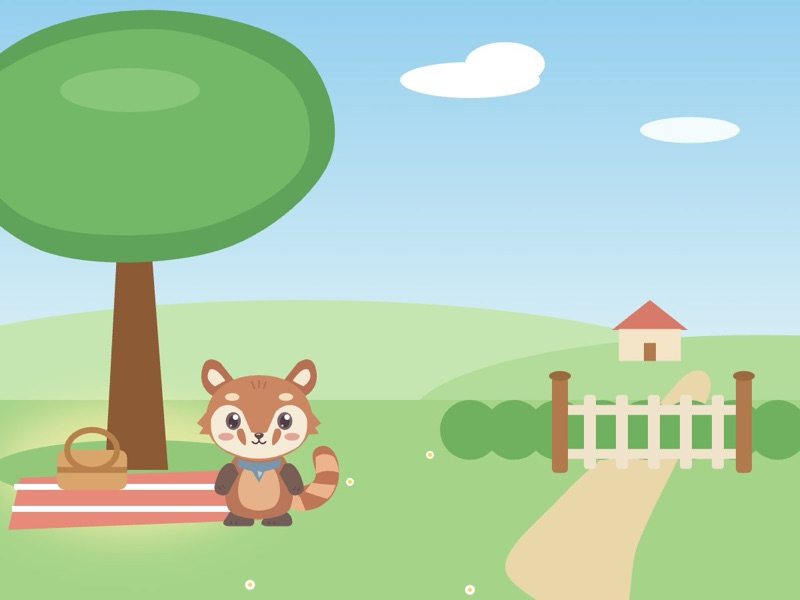 Outside
Lunch Outside
Lunch outside for fifteen minutes, then a walk to the end of the street and back.
-
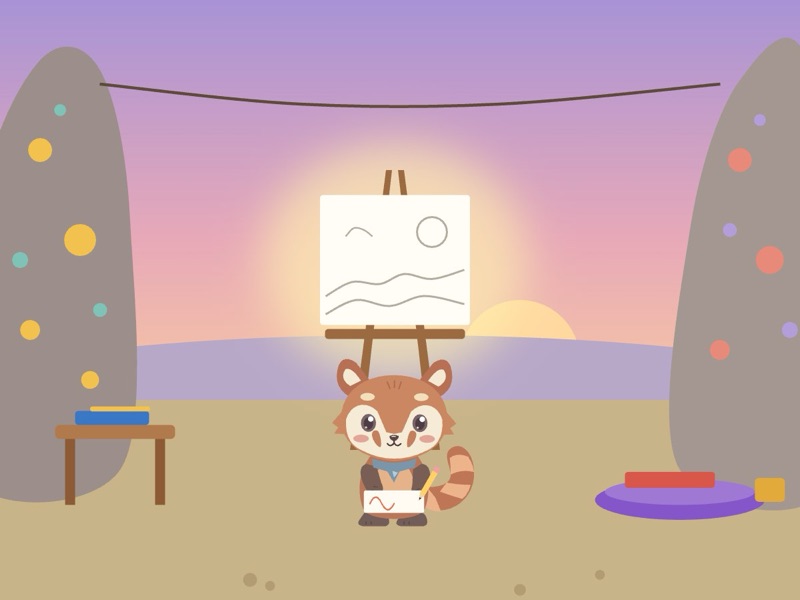 Create
Creative Hour
Ten ideas on paper in the morning, coloring in the evening, doodles before bed.
-
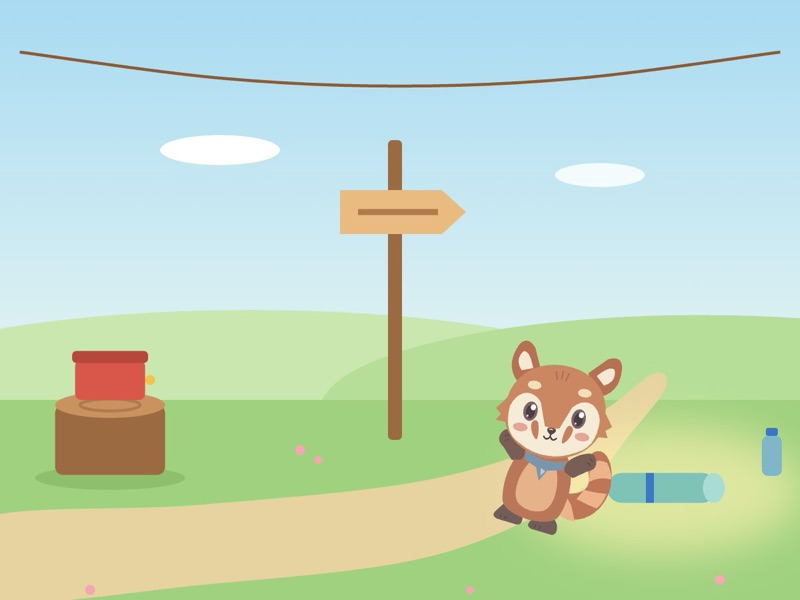 Move
MoveMove More
Two songs to dance to, a walk at lunch, a stretch in the evening.
-
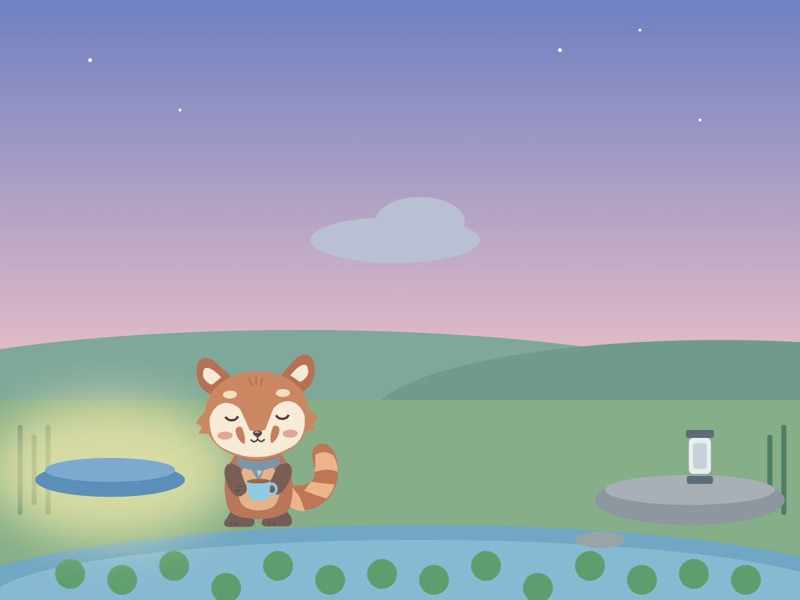 Recharge
Calm Mind
Ten slow breaths when you wake, a look at the sky, ten quiet minutes at night.
Eight kinds of time away
- Outside
- Reset My Space
- Learn
- Move
- Connect
- Create
- Recharge
- Get Something Done
Private by design.
You choose which apps to protect. Nela doesn’t read your messages or social content, your Screen Time data stays on your iPhone, and there are no ads or trackers.
Read the privacy policyQuestions? We’d like to hear them.
Email [email protected] or visit Support.